Toolbars & Icons
Zoom
In the middle top of the screen, there is a zoom in and out feature. Click on the down arrow, the plus sign, or the minus sign to make your desired adjustment.

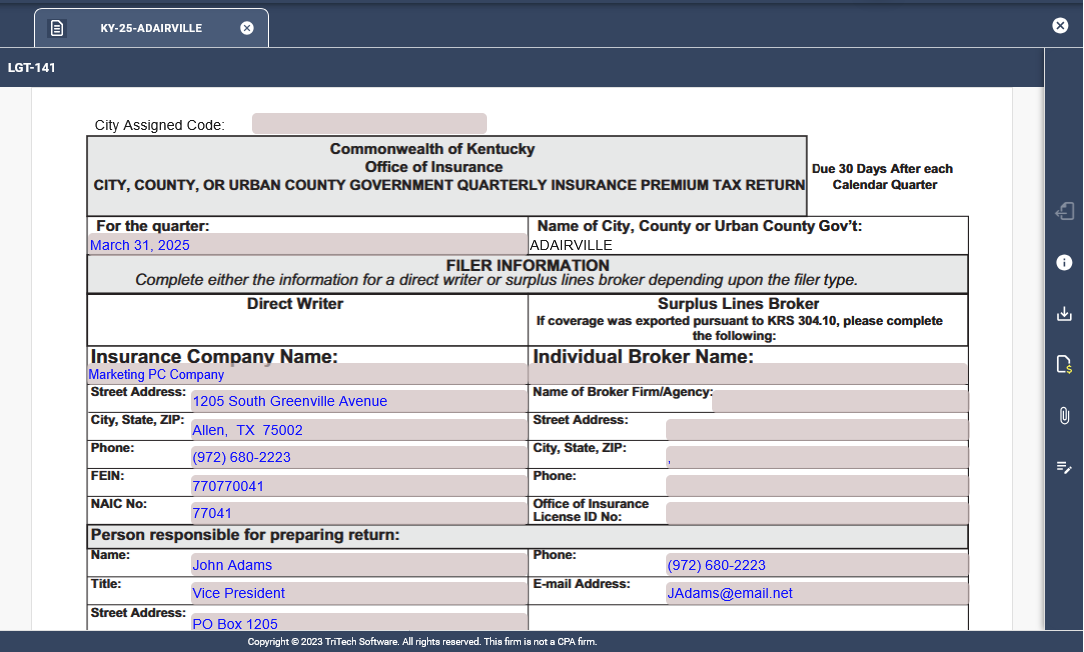
Icon Bar
The icon bar on the right of each open schedule or form provides you with the following options:
 Open Prior Year’s Return: To utilize the split screen with a prior year’s return, click on the Prior Year’s Return icon once you have a form open.
 Instructions: Click on the Instructions icon for state statutes and filing instructions.
 Download: Select download if you want to download the form you are working on to a .pdf to your own computer. You can find it in your Downloads folder.
 Payment Request: Click this form to access General Ledger descriptions, payee information, account number, cost center, and payment amount in one condensed form for your interdepartmental purposes to request payment.
 Attachment: Select the Attachment Icon, then drag and drop or click the upload button to upload your attachments.
 Notes: Add a note to your return by clicking the Notes icon, typing your note, and clicking the check box to save it. You can select a particular field for which the note is meant to be affiliated.
Related Articles